Claude Code deleted my files: how to get them back, and stop it next time
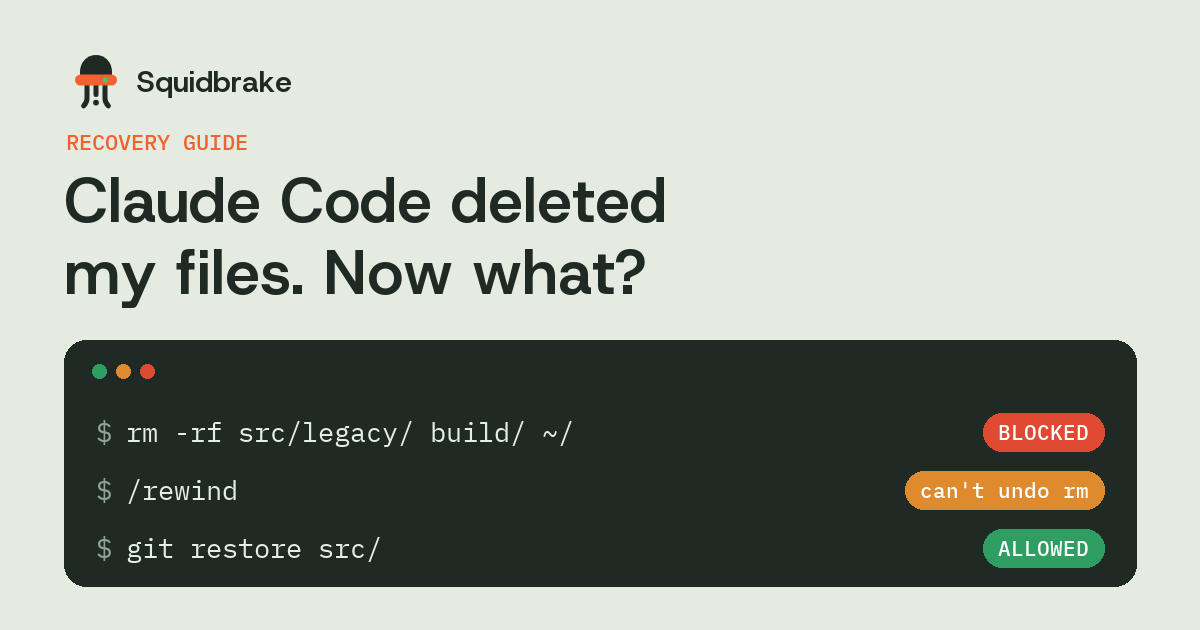
You asked Claude Code to tidy up, and a folder you needed is gone. The first thing most people try is /rewind, and the first surprise is that it often can't help. Here is why, where your files may still be, and how to make sure the next cleanup can't take them.
In short
/rewindrestores edits made through Claude Code's file tools. It doesn't restore what a shell command likermormvremoved.- Check, in order: git, your editor's local history, the OS backup (File History or Time Machine), then a file recovery tool.
- Stop writing to the disk until you've looked: new files can overwrite what a recovery tool could still find.
- Next time: hold deletes for a person, and keep a copy of what an allowed delete removes.
Why /rewind didn't bring them back
Claude Code takes a checkpoint before each of its own edits, and /rewind (or Esc twice) rolls those edits back. Anthropic's checkpointing docs are clear about the limit: changes made by bash commands aren't tracked. When the agent deletes something with rm, moves it with mv, or overwrites it with a script, the checkpoint has nothing to restore.
That's the usual case. Agents clean up with shell commands, because one rm -rf is faster than twenty file edits. In the December 2025 incident a developer lost their home folder to a cleanup command that ended in ~/, and no checkpoint covered it.
Where your files may still be
Work through these in order. Stop at the first one that has your files.
- Git. If the files were ever committed,
git statusshows them as deleted andgit restore <path>brings them back. If agit reset --hardtook them,git refloglists the commit you were on. Files you staged but never committed can sometimes be found withgit fsck --lost-found. - Your editor's history. VS Code's Timeline view and JetBrains' Local History keep copies of files you had open, even ones never committed.
- The operating system's backup. Windows: right-click the folder, Restore previous versions (File History). macOS: Time Machine. Linux: whatever snapshots your filesystem takes, such as btrfs or ZFS.
- The trash. Usually empty:
rmdeletes straight away and never uses it. Check anyway if the agent used a GUI tool ortrash. - A recovery tool. On an SSD, deleted files are often wiped soon after deletion (TRIM), so this is the long shot. Stop installing and building on that disk until you've tried.
How to stop it next time
A hook runs before every tool call, whatever permission mode Claude Code is in, so it's the place to catch a delete before it happens:
- Read the command, not the text. Matching the string
rm -rfmissesfind . -delete, a script the agent just wrote, and the home folder hidden at the end of a long line. The hook has to parse the command and work out what it would remove. - Hold deletes outside the project. Deleting
build/is routine. Deleting your home folder, a drive, or anything outside the repo should wait for a person. - Keep a copy of what an allowed delete removes. Then you can undo a mistake you approved.
- Commit before you let the agent clean up. It's the cheapest backup there is.
Doing it with Squidbrake
Squidbrake connects to Claude Code as a hook. Every command is parsed before it runs. Deleting your home folder or a whole drive is blocked outright. Commands that can't be undone, like a force push or a delete through a cloud API, wait for a person to approve them on their phone, Slack, Teams or email.
When a delete is allowed, Squidbrake first copies what it would remove: the files rm -r names, the untracked files git clean would delete, the uncommitted changes git reset --hard would discard. squidbrake undo lists those copies, and squidbrake undo ID puts one back. Build outputs like node_modules aren't copied, because the next build makes them again.
FAQ
Can Claude Code's /rewind restore deleted files?
Only files changed through Claude Code's own edit tools. Anthropic's docs say changes made by bash commands, such as rm or mv, aren't tracked by checkpoints, so /rewind can't restore them.
Where do files deleted with rm go?
Nowhere you can open: rm doesn't use the trash. Check git, your editor's local history and your OS backup first, then a recovery tool, and stop writing to that disk until you have.
How do I stop Claude Code deleting files?
Use a PreToolUse hook that parses each command and holds or blocks deletes outside the project. Hooks run in every permission mode, including --dangerously-skip-permissions.
Does git protect me from an AI agent deleting files?
Committed files, yes: git restore brings them back. Uncommitted work and ignored files, such as .env, aren't in git, so commit before you let an agent clean up.
Try it on your own agents. pipx install squidbrake, then
squidbrake connect all. Start in shadow mode: nothing is blocked in week one, you see what would have been.
Quickstart · Benchmark · Book a demo