YOLO mode in Claude Code, Cursor and Codex, compared (2026)
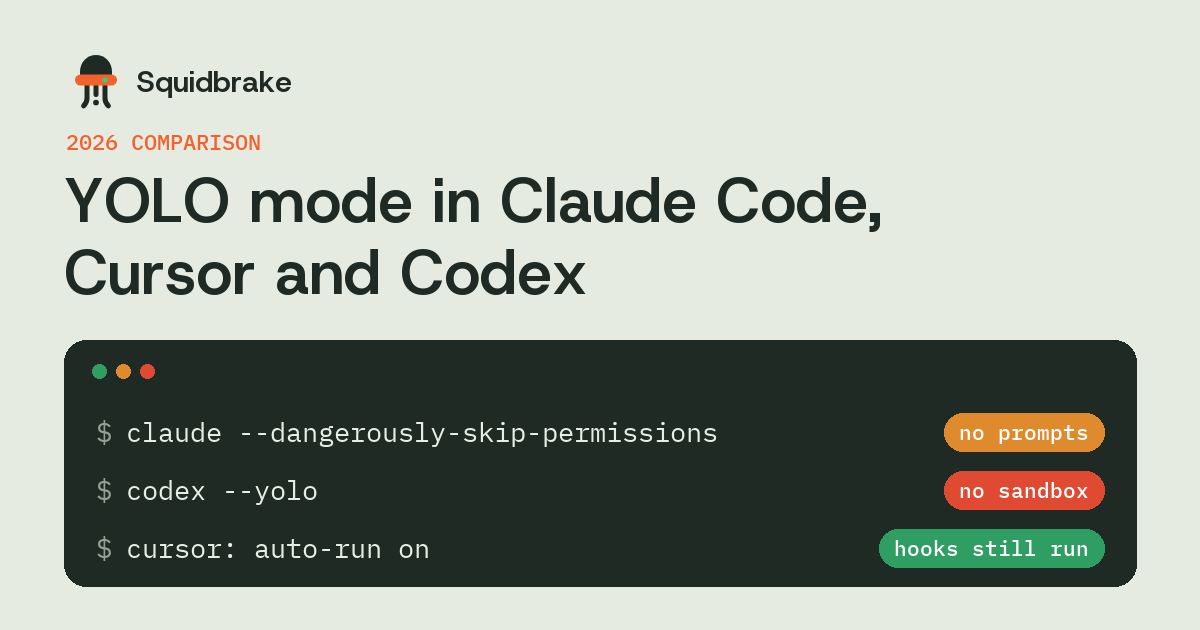
Every coding agent now has a setting that stops it asking before it acts. People call all of them YOLO mode. They don't skip the same things, and the difference decides whether a bad command costs you a minute or a production database.
In short
- Claude Code has three levels: asking (default), auto mode, where a classifier decides each step, and
--dangerously-skip-permissions, which asks nothing. - Codex's
--yoloskips both the approvals and the sandbox. Its safer full-auto setups keep the sandbox. - Cursor's auto-run runs commands without asking. Allow and deny lists help, but they match text.
- In all three, hooks still run in YOLO mode. A hook that parses each command is the layer that's left when the prompts are gone.
What YOLO mode means
A coding agent normally asks before it runs a command or changes a file. YOLO mode is any setting that stops the asking, so the agent can work through a task without you pressing yes forty times. It's popular for good reason: the prompts are slow, and after the first dozen most people approve without reading.
What changes between tools is what else is still there when the prompts are gone: a sandbox, a classifier, or nothing.
Side by side
| Claude Code | Codex CLI | Cursor | |
|---|---|---|---|
| Asks nothing | --dangerously-skip-permissions | --yolo (--dangerously-bypass-approvals-and-sandbox) | Auto-run with no allowlist |
| A middle setting | Auto mode: a classifier decides each step | Full auto inside the workspace sandbox | Auto-run with allow and deny lists |
| Sandbox in YOLO mode | No | No (that's what --yolo turns off) | No |
| Hooks still run | Yes | Yes, once trusted with /hooks | Yes |
Flags and defaults change between versions. Check Claude Code's permission modes, codex --help and Cursor's settings on yours.
Claude Code: auto mode or skip-permissions?
Anthropic added auto mode in March 2026. A separate model reads each tool call in the context of the session and blocks what looks destructive, irreversible or aimed outside your work. It's a real step up from asking nothing, and it's the right default for most solo work.
Two limits are worth knowing. A classifier is a judgement, so the same call can get different answers, and it will sometimes miss. And the person who could approve a blocked step is the same person running the agent. For the few actions that can't be undone, like a force push to main or deleting cloud resources, a fixed rule that waits for a second person is stronger. That's what a hook gives you, and it runs in auto mode and in skip-permissions mode alike.
Codex: --yolo versus full auto
Codex pairs its approval setting with a sandbox. In its full-auto setups the agent edits and runs commands without asking, but only inside your workspace, usually with no network. That sandbox is what makes asking less safe enough for most tasks.
--yolo removes both: no prompts and no sandbox. OpenAI's own guidance is to keep it to throwaway environments such as containers and disposable branches. If you need the network or files outside the workspace, open them up one at a time rather than turning everything off.
Cursor: auto-run and its lists
Cursor's auto-run executes terminal commands without a prompt. Its allow and deny lists help, but they match how a command is written. rm -rf build on the deny list doesn't catch find build -delete, or the same delete inside a script the agent wrote a minute earlier. Cursor also runs hooks before shell commands, file edits and MCP calls, and that's where a check that reads the command belongs.
A safe setup for all three
- Keep the fast mode. Let reads, tests, builds, edits to tracked files and commits run on their own.
- Hold what can't be undone. Force pushes, deploys, deletes outside the project, database migrations on production, payments and outbound messages wait for a person.
- Block the few catastrophic commands whatever mode the agent is in: deleting your home folder or a drive, formatting a disk.
- Put the check in a hook, so it survives whichever mode a developer picks.
Squidbrake does this with one hook for Claude Code, Cursor, Codex, VS Code Copilot, Gemini CLI and Antigravity: squidbrake connect all. One set of rules covers every agent on the machine.
FAQ
Is Claude Code auto mode the same as --dangerously-skip-permissions?
No. Auto mode has a classifier decide each step and still blocks risky ones. --dangerously-skip-permissions asks nothing and checks nothing, apart from hooks you've set up.
What does codex --yolo do?
It's short for --dangerously-bypass-approvals-and-sandbox: Codex runs every command without asking and without its sandbox. Use it only in a throwaway environment.
Do hooks run in YOLO mode?
Yes, in Claude Code, Codex and Cursor. Hooks are separate from the permission prompts, so a hook can still hold or block a call when the agent asks nothing. Codex skips a new hook until you trust it with /hooks.
Which YOLO mode is safest?
One that keeps a sandbox or a classifier, plus a hook that holds the irreversible actions for a person. No mode alone covers a force push or a cloud delete you didn't intend.
Try it on your own agents. pipx install squidbrake, then
squidbrake connect all. Start in shadow mode: nothing is blocked in week one, you see what would have been.
Quickstart · Benchmark · Book a demo