Vibe coding security: 10 checks before you ship (2026)
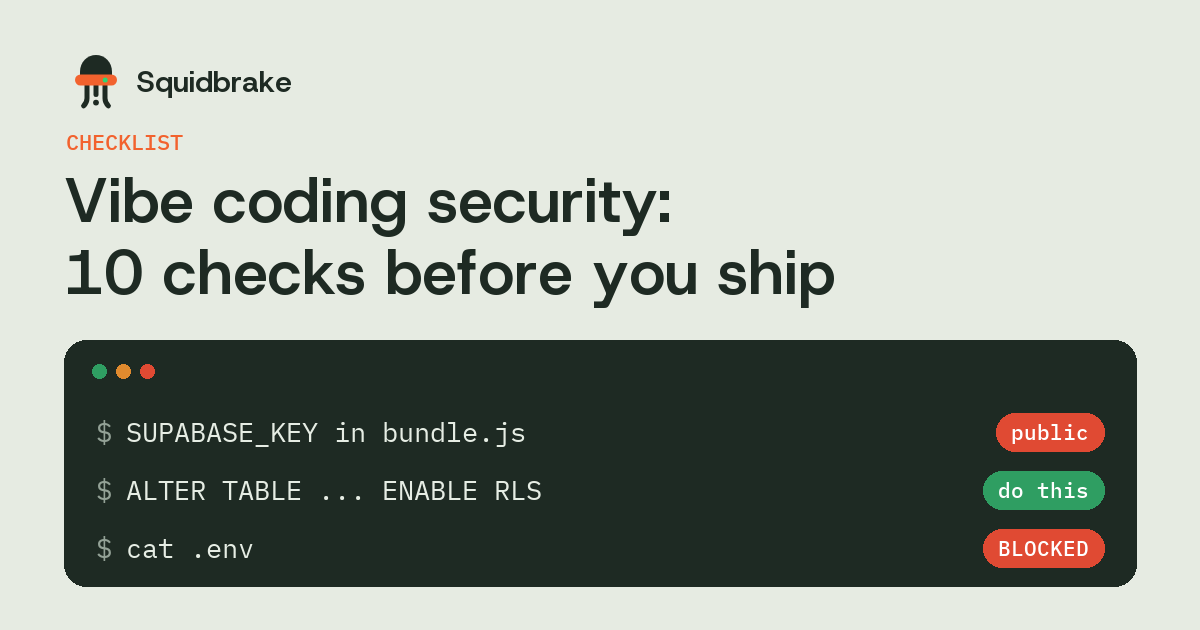
Vibe coding gets an app live in an afternoon. In February 2026 researchers showed how fast it can also go the other way: one vibe-coded social network exposed its whole production database through a key sitting in its front-end JavaScript. Most of these failures come from the same short list, and you can check for all of them before you ship.
In short
- The Moltbook leak came from a public database key with no row-level security behind it.
- Coding agents build features that work. They don't reliably add the access rules you didn't ask for.
- Check the ten points below on every app an agent built, and again after big changes.
- Also control the agent itself: what it can read, and what it can change in production.
What went wrong at Moltbook
Wiz researchers found a Supabase key in Moltbook's client-side JavaScript within minutes. That kind of key is meant to be public, but only when row-level security restricts what it can read. Moltbook's tables had none, so the key gave read and write access to the production database, including about 1.5 million API tokens and tens of thousands of email addresses.
Nobody wrote a bug. The app did exactly what it was built to do, and nobody asked for the access rules.
The checklist
- Row-level security on every table. In Supabase, enable RLS and write a policy for each table. Tables created through the API, which is how agents usually create them, don't always get it by default.
- Only public keys in the browser. Search your built JavaScript for
service_role,sk_live,secretand your provider's key prefixes before every deploy. - Auth on every API route. Check that each endpoint verifies who's asking and that they own the record (
/api/orders/123must refuse someone else's order). - No secrets in git. Add
.envto.gitignoreand run a secret scanner on the history, not just the latest commit. - Rate limits on sign-up, login and anything that sends email or costs money.
- Separate staging and production, with different databases and different keys.
- Read the migrations before they run against production. An agent's "small schema fix" can drop a column.
- Pin and check dependencies. Agents add packages freely, and a typo-squatted name is one letter away.
- Backups you've restored once, stored outside the account the app runs in.
- Logs of who did what, so when something goes wrong you can tell an agent's change from a person's.
Control the agent, not only the app
The checklist protects the app you ship. The agent building it is a second risk: it has your keys, your terminal and often your production database. While you build, keep it from reading .env and key files, and make it ask before it touches production, deletes data or pushes to main.
Squidbrake does that with one hook for Claude Code, Cursor, Codex and the other agents. Secret files can't be read. Production migrations, deletes and deploys wait for your OK on your phone, and everyday edits and tests run on their own.
FAQ
Is vibe coding secure?
It can be. The common failures, like no row-level security, keys in the front end and routes without auth, are easy to check for. Agents just don't add them unless you ask.
Is it safe to put the Supabase anon key in the browser?
Yes, if row-level security is on for every table with a policy for each. Without RLS, that key can read and write the whole database. That's what exposed Moltbook.
How do I find secrets in my vibe-coded app?
Search the built front-end bundle for secret key prefixes, and run a secret scanner over the whole git history, not only the latest commit.
What should an AI coding agent not be allowed to do?
Read secret files, change production databases, delete data, deploy or push to main without a person approving it.
Try it on your own agents. pipx install squidbrake, then
squidbrake connect all. Start in shadow mode: nothing is blocked in week one, you see what would have been.
Quickstart · Benchmark · Book a demo