Stop AI agents force-pushing to main: branch protection, hooks and approvals
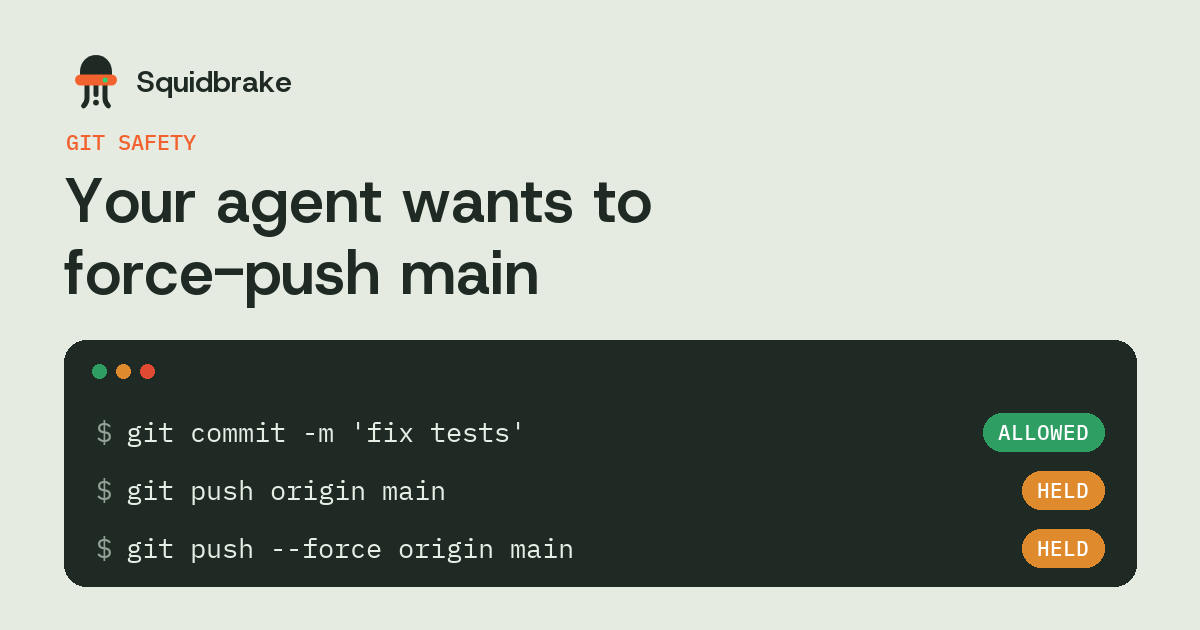
A rebase goes wrong, the push is rejected, and the agent does what the error message suggests: it adds --force. On a shared branch that rewrites history everyone else has already pulled. Here's how to make sure it can't happen to main, with four layers that each work alone.
In short
- Coding agents reach for
git push --forceto get past a rejected push, the same way people do. - Server-side rules on GitHub or GitLab are the strongest layer: they hold no matter who or what pushes.
- Teach agents
--force-with-lease, and keep them on their own branches. - A hook can hold force pushes, and pushes straight to main, for a person to approve before they leave the machine.
Why agents force-push
An agent that rebases, amends a commit or squashes history ends up with a branch the remote rejects. The fastest fix is git push --force, and the agent's goal is to finish. On its own feature branch that's often fine. On main, or on any branch someone else has pulled, it silently replaces their commits.
Layer 1: rules on the server
On GitHub, a ruleset or branch protection rule on main can block force pushes and deletions and require a pull request before merging. GitLab's protected branches do the same. These hold whoever pushes, and whatever credentials the agent has, so turn them on first.
The gap: they protect only the branches you listed, and an agent with admin rights may be allowed to bypass them.
Layer 2: --force-with-lease
git push --force-with-lease overwrites the remote only if it's still where your last fetch left it. If a teammate pushed in the meantime, it refuses. Put it in your agent instructions (CLAUDE.md, AGENTS.md, Cursor rules): never --force, only --force-with-lease, and only on the agent's own branch.
Instructions help, but an agent can ignore them, so don't rely on this layer alone.
Layer 3: agents on their own branches
Have the agent work on a branch it created, such as agent/fix-login, and open a pull request. A person merges. Rewriting history on that branch then affects nobody else.
Layer 4: a hook that holds the push
A hook sees the command before it runs, so it can stop a force push before it leaves the machine, including on repos where nobody set up server rules. Squidbrake parses every git command an agent runs:
- Held for a person:
git push --force(and-f,+branchrefspecs), deleting remote branches, and pushing straight tomain. - Runs on its own: commits, pushes to the agent's own branches, fetch, pull and rebase.
- Kept as a copy: before an allowed
git reset --hard, the uncommitted changes it would discard are saved, andsquidbrake undobrings them back.
The approver gets the exact command and branch on their phone, Slack, Teams or email.
FAQ
How do I stop Claude Code from force pushing?
Block force pushes on main in your GitHub ruleset or branch protection, tell the agent to use --force-with-lease only on its own branches, and add a hook that holds git push --force for a person.
Is git push --force-with-lease safe?
Safer: it refuses if the remote moved since your last fetch. It still rewrites history, so keep it to branches only you or your agent use.
Should AI agents push directly to main?
No. Have them push to their own branch and open a pull request that a person merges.
Can an agent bypass branch protection?
If its token belongs to an admin and admins may bypass the rule, yes. Give agents tokens without bypass rights, and check a hook on the machine as well.
Try it on your own agents. pipx install squidbrake, then
squidbrake connect all. Start in shadow mode: nothing is blocked in week one, you see what would have been.
Quickstart · Benchmark · Book a demo