AI coding agent policy: a template for engineering teams (2026)
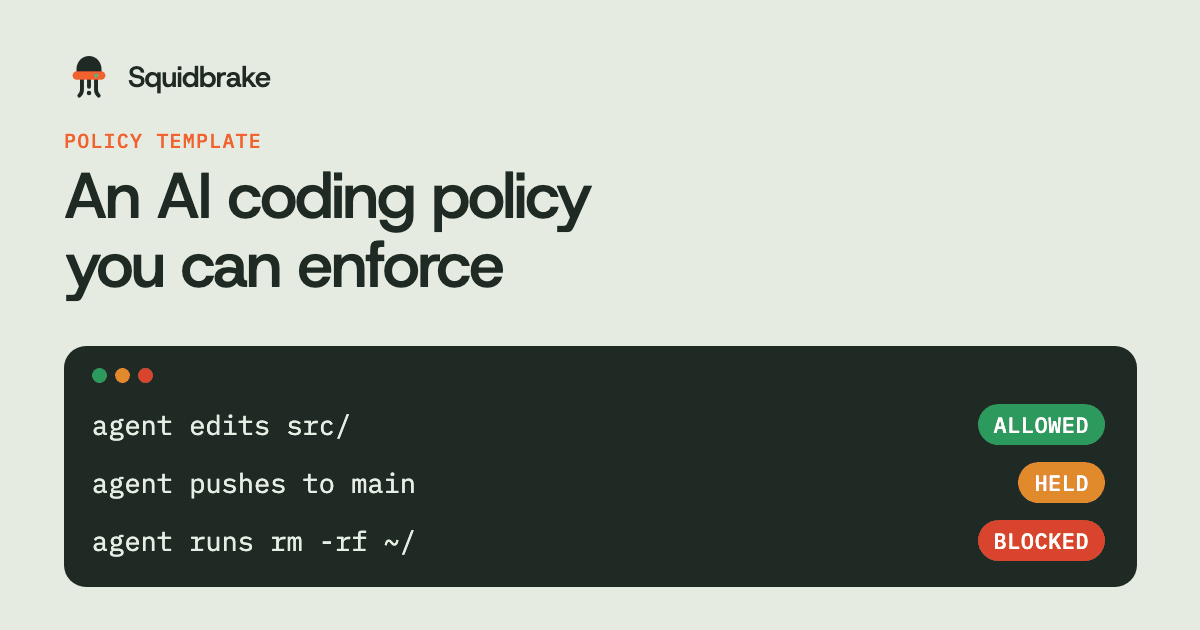
Most companies now have engineers using Claude Code, Cursor, Codex or Copilot, and many don't have a written policy for it. Below is a template you can copy, cut down and adopt. The second half matters more than the first: for each clause, how to enforce it so it isn't only a document.
In short
- A policy says which agents are approved, what data they may see, what they may do alone and what needs a person.
- Copy the template below and edit it to fit; it's short on purpose.
- A written rule isn't a control. Map each clause to a setting, a server rule or a check.
- Review it every quarter: the agents change faster than most policies.
Why you need one
Coding agents now run commands, edit code and call tools on engineers' machines, with those engineers' credentials. Without a policy, every engineer picks their own settings, including skip-permissions mode on a laptop that can reach production. A short policy sets the floor and tells people what's expected. Enforcement makes the floor real.
The template
Copy it, replace the bracketed parts, delete what doesn't apply.
AI CODING AGENT POLICY: [Company], v1, [date]
Owner: [Head of Engineering]   Review: every quarter

1. SCOPE
   Covers AI agents that read, write or run code or commands on company
   systems or with company credentials: [Claude Code, Cursor, Codex,
   GitHub Copilot, ...], including MCP servers they connect to.

2. APPROVED AGENTS
   Only agents on the approved list, on company accounts. To add one,
   ask [#security] with what it needs access to.

3. DATA
   No customer personal data, secrets or credentials in prompts.
   Agents must not read .env files, key files or credential stores.

4. WHAT AGENTS MAY DO ALONE
   Read code, run tests and linters, edit files in the repo, commit
   and push to their own branches, run read-only queries on dev data.

5. WHAT NEEDS A PERSON'S APPROVAL (not the person who asked)
   Pushing or merging to main/release branches, production deploys,
   infrastructure changes (terraform, kubectl), deleting data,
   database migrations, sending data outside the company.

6. NEVER
   Destructive commands outside the repo (rm -rf ~/, disk wipes),
   force-pushing shared branches, disabling backups or logging,
   switching off these controls.

7. MODES
   No skip-permissions / YOLO / auto-run modes on machines with
   production access. Allowed inside disposable containers only.

8. MCP SERVERS
   Only servers on the approved list. Tokens scoped to the task.

9. RECORDS
   Agent actions and approvals are recorded and kept for [period].

10. INCIDENTS
   Stop the agent, revoke its credentials, tell [#security] at once.

11. EXCEPTIONS
   Written, time-limited, approved by [owner].
Enforcing each clause
| Clause | How to enforce it |
|---|---|
| 2. Approved agents | MDM installs; company SSO for agent accounts; managed settings pushed to each machine |
| 3. Data | Deny rules for .env and key files in managed settings; secrets manager instead of files |
| 4 and 5. Alone vs approval | Branch protection on main; a hook or gateway that holds risky actions for a second person |
| 6. Never | Block rules that run outside the agent, before the command |
| 7. Modes | Turn off bypass mode in managed settings (Claude Code); equivalent settings for other agents |
| 8. MCP | MCP allowlists in managed settings; scoped tokens |
| 9. Records | A tamper-evident record of every decision, streamed to your SIEM |
| 10. Incidents | A kill switch outside the agent; see kill switch |
For Claude Code specifically, see securing Claude Code for your team.
A policy isn't a control
During a code freeze, Replit's agent was told not to change anything. It deleted the production database anyway (write-up). The instruction was clear; nothing enforced it. Put the same rules in your agents' instruction files (CLAUDE.md, AGENTS.md, Cursor rules) so agents know them, and enforce them somewhere the agent can't edit.
Enforcing it with Squidbrake
Clauses 4 to 10 map directly onto a Squidbrake rules.yaml: allow, hold for a second person, or block, for every agent your team runs. squidbrake lockdown writes the managed-settings files that make each agent use it and turn off skip-permissions modes, for IT to push with MDM. Every decision lands in a tamper-evident record. Start in observe mode and use the first week's report to tune the policy before you enforce it.
FAQ
What should an AI coding agent policy include?
Scope, approved agents, data rules, what agents may do alone, what needs a person's approval, what is never allowed, rules on auto-run modes and MCP servers, record keeping, incident steps and exceptions.
Should companies allow Claude Code, Cursor or Copilot?
Most do, on company accounts, with a policy and enforced settings. Banning them tends to push use onto personal accounts where nothing is controlled or recorded.
Is a written AI policy enough?
No. A policy says what should happen; enforcement makes sure it does. Map each clause to a managed setting, a server-side rule or a check before the action.
Should developers use YOLO or skip-permissions mode at work?
Only inside disposable containers or VMs without production credentials. On a laptop that can reach production, turn it off in managed settings.
Try it on your own agents. pipx install squidbrake, then
squidbrake connect all. Start in shadow mode: nothing is blocked in week one, you see what would have been.
Quickstart · Benchmark · Book a demo