Securing Claude Code for your team: managed settings, permissions, hooks and approvals
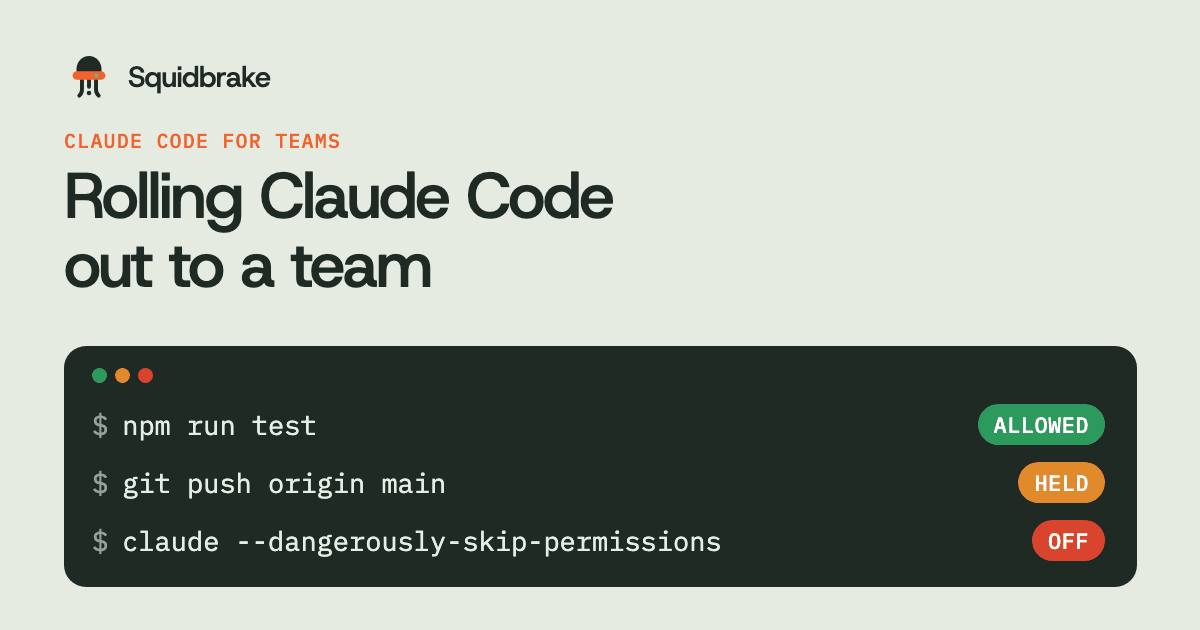
One engineer using Claude Code makes their own choices. Fifty engineers need a floor nobody can lower by accident. Claude Code has most of the pieces built in: managed settings, permission rules, hooks and a sandbox. Here's the order we'd turn them on, and the two gaps you'll still need to cover.
In short
- Put the policy in managed settings. Nothing in a user or project file overrides a managed key.
- Deny reads of secrets, ask before pushes and infrastructure changes, and turn off bypass mode.
- Use hooks for checks the permission rules can't express, and limit hooks to the ones IT deploys.
- Built-in prompts ask the person at the keyboard. For a second person's sign-off and one record across machines, add a gateway.
1. Put the policy in managed settings
Claude Code reads settings from user, project, local and managed sources. Managed settings sit at the top: nothing in a developer's own files or a --settings flag overrides a managed key. They arrive three ways:
- a
managed-settings.jsonfile in a system directory, pushed by your MDM (Jamf, Intune); - OS-level MDM policies;
- server-managed settings from the claude.ai admin console, which also reach cloud sessions.
Developers can run /status to see which managed source applies to them.
2. Write allow, ask and deny rules
Permission rules name a tool and what it may do. Deny wins over ask, and ask over allow. A reasonable team floor:
managed-settings.json{
"permissions": {
"disableBypassPermissionsMode": "disable",
"deny": ["Read(./.env)", "Read(./.env.*)", "Read(~/.aws/**)", "Read(~/.ssh/**)"],
"ask": ["Bash(git push *)", "Bash(terraform *)", "Bash(kubectl *)"]
}
}
Two details worth knowing: deny and ask rules in a committed project file apply straight away, while allow rules wait until each developer trusts the folder. And with allowManagedPermissionRulesOnly, managed settings become the only source of permission rules.
/status.3. Turn off bypass mode
--dangerously-skip-permissions skips every prompt. permissions.disableBypassPermissionsMode stops anyone entering that mode, and project or local files can't switch a session into auto or bypass mode. Our post on skip-permissions covers when the flag is reasonable, such as inside a throwaway container.
4. Add hooks for what rules can't express
Permission rules match patterns. They can't tell that make clean runs rm -rf, or that this delete comes right after backups were turned off. A PreToolUse hook sees every tool call before it runs and can allow, deny or ask. Set allowManagedHooksOnly so only the hooks your organisation deploys run, and a repository can't add its own.
5. Sandbox Bash and allowlist MCP servers
- Sandbox. The
sandboxsetting isolates Bash commands from the filesystem and network on macOS, Linux and WSL2. - MCP.
allowedMcpServersanddeniedMcpServerscontrol which servers people can add;allowManagedMcpServersOnlymakes the managed list the only one. Our MCP security checklist covers the rest.
6. The two gaps: a second person, and one record
Claude Code's prompts ask the developer at the keyboard, who is also the person who asked for the change. That's fine for most actions. For a push to main, a production migration or a terraform destroy, change control usually means someone else approves. And each laptop keeps its own history, so there's no single record across the team. Claude Code can export usage and events over OpenTelemetry, which helps with monitoring, but it isn't an approval.
Closing them with Squidbrake
Squidbrake connects to Claude Code as a hook (or the Claude Code plugin) and checks every tool call against one team policy. Risky actions wait for a second person on their phone, Slack, Teams or email, with what the action will change shown first. Every decision lands in one tamper-evident record.
squidbrake lockdown --url https://gateway.yourcompany.com --out squidbrake-lockdown
squidbrake lockdown writes the managed-settings files for Claude Code, Codex, Gemini CLI and Cursor, with a README saying where each goes on macOS, Linux and Windows. Push them with your MDM: each agent must run Squidbrake's hook, and skip-permissions and --yolo are off. The fleet rollout guide covers Jamf and Intune.
FAQ
Where do Claude Code managed settings go?
In a managed-settings.json file in a system directory pushed by MDM, in OS-level MDM policies, or as server-managed settings from the claude.ai admin console. Run /status to see which source applies.
Can developers override Claude Code managed settings?
Not from their own settings files or the --settings flag: managed keys sit at the top. A few security keys honour a stricter value from a lower level. Someone with admin rights on the machine can still change system files, so pair this with MDM.
How do I stop developers using --dangerously-skip-permissions?
Set permissions.disableBypassPermissionsMode to "disable" in managed settings. Project and local files can't switch a session into bypass mode.
Does Claude Code have an audit log for teams?
Each machine keeps its own session history, and Claude Code can export usage and events over OpenTelemetry. For a record of who approved which action across the team, add a gateway that records decisions.
Try it on your own agents. pipx install squidbrake, then
squidbrake connect all. Start in shadow mode: nothing is blocked in week one, you see what would have been.
Quickstart · Benchmark · Book a demo